Welcome to BrainBit
Let's get your device read
Thank you for choosing BrainBit. Follow the steps below to start using your device with the correct software.
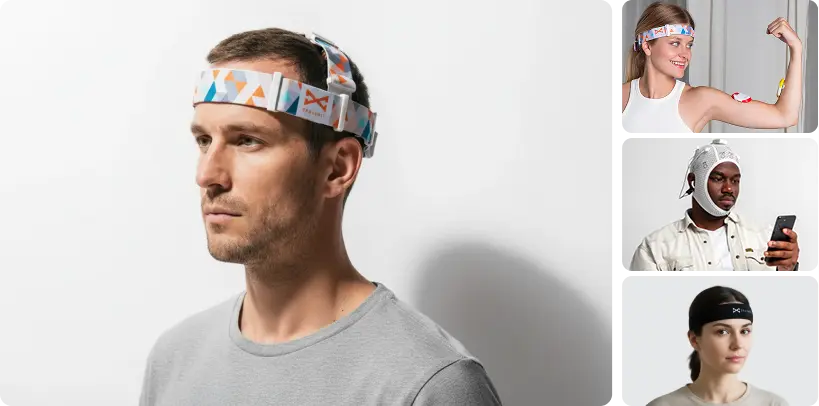
Devices
Important before connecting
BrainBit devices are designed to work with compatible BrainBit software. They do not appear as standard Bluetooth accessories in your phone or computer settings.
- 1. Install a compatible application.
- 2. Open the application.
- 3. Start device search from inside the application.
- 4. Follow the pairing instructions.
Choose Your Device
Select your BrainBit device to view compatible software, setup instructions, and helpful resources
- Mobile Applications
- Desktop Software
-
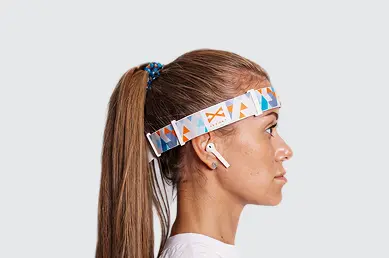
BrainBit Headband
4-channel EEGLightweight wireless EEG headset for neurofeedback, cognitive training, and research.
-
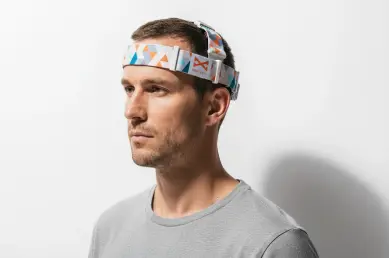
Headband Pro
8-channel EEGAdjustable 8-channel EEG headset with extended electrode coverage for research and training.
-
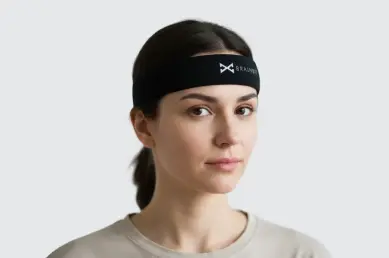
MINDO Headband
4-channel EEGPortable wireless EEG headset for education, cognitive training, and neuroscience research.
-
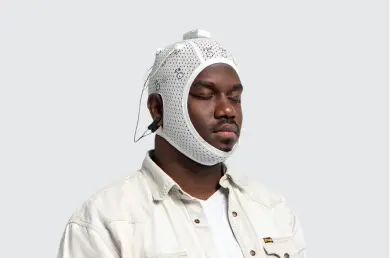
BrainBit Flex4
4-channel EEGExtendable fit, flexible 10-20 coverage including frontal sites.
-

BrainBit Flex8
8-channel EEGFlexible 8-channel EEG system for advanced research and brain activity monitoring.
-
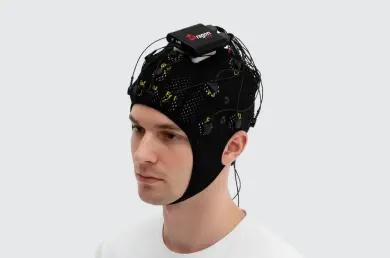
DragonEEG
21-channel EEGProfessional 21-channel EEG cap for comprehensive brain mapping and clinical research.
-
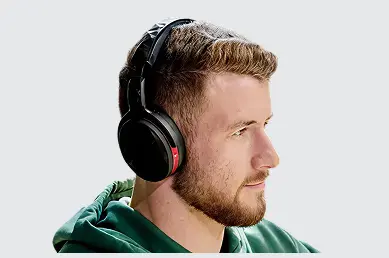
BrainBit EEG Headphone
Audio + EEGAudio and EEG in one device for sound-driven neurofeedback and user experience research.
-
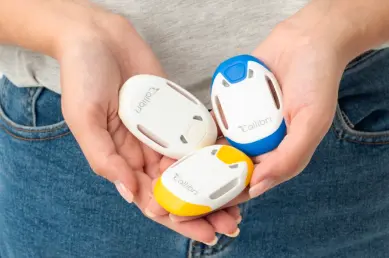
Callibri MF
Wireless ECG, EMG, GSR, and respiration sensors for physiological monitoring and research.
Devices
 Brainbit Headband
Desktop Software
BrainBit Headband
Lightweight wireless EEG headset for neurofeedback, cognitive training, and research
Need help getting started?
Download the Quick Start Guide for step-by-step instructions on charging, wearing, and connecting your BrainBit Headband.
-
NeuroRec
EEG recording and review software for capturing raw EEG, monitoring signal quality, adding annotations, and exporting data for research or professional workflows
Already have NeuroRec? Open the software and connect your BrainBit Headband from inside the application.
Need NeuroFit Pro?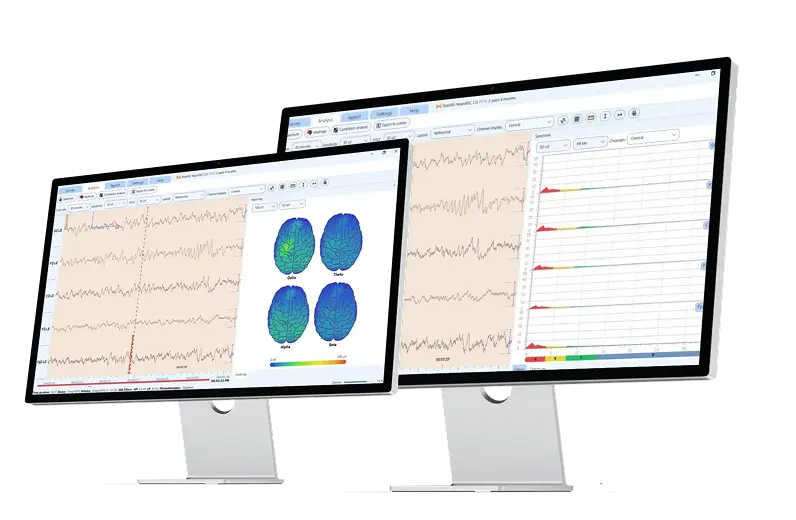
-
EEG Waves for Windows
Desktop app for viewing EEG activity in real time, monitoring brain rhythms, and reviewing session data on a larger screen
Already have EEG Waves for Windows? Open the software and connect your BrainBit Headband from inside the application.
Need EEG Waves for Windows?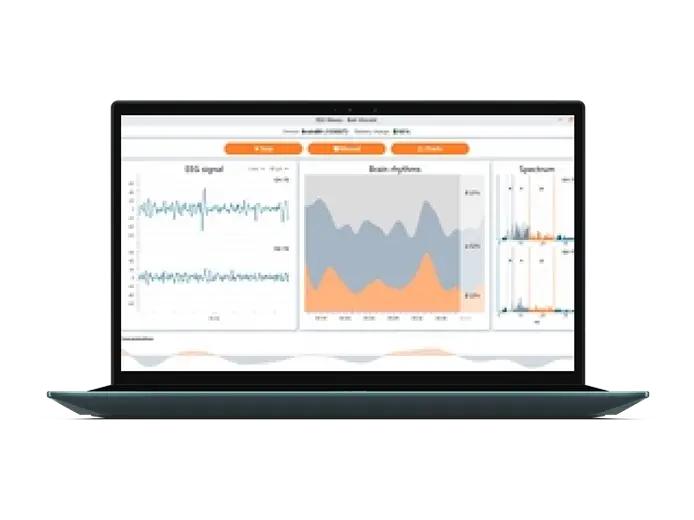
Quick Start
-
1
Charge the device
-
2
Wear it correctly
-
3
Install compatible software
-
4
Open the app
-
5
Connect from inside the app
-
6
Start recording
FAQ
-
Why can't I find my device in Bluetooth settings?
BrainBit devices connect through compatible software rather than the operating system's Bluetooth menu.
-
My device doesn't appear in the app.
○ Make sure it is charged.
○ Turn it on.
○ Stay within Bluetooth range.
○ Close other applications that may already be connected. -
Which app should I install?
Check the compatible software listed for your device above.